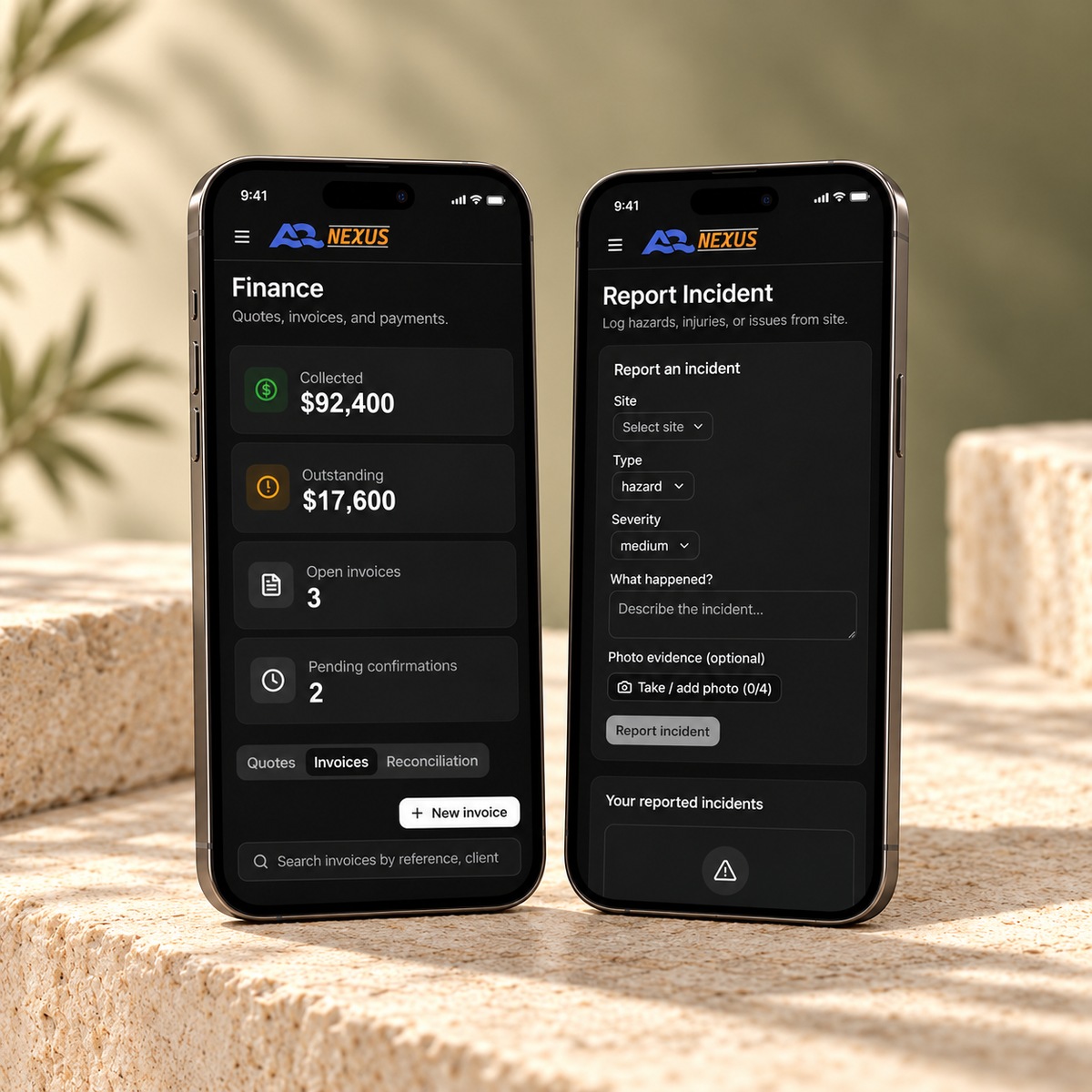
A mobile product should help people act with confidence, whether they are on site, checking a record or discovering your service. We design for that context from the start.
Keep the next action clear and easy to reach.
Bring the right information into the task.
Connect mobile work with the wider business.
The person
The setting
The task
Useful on the move
Tasks in context
Clear, quick actions
Connected records
Small screens. Real working experiences.
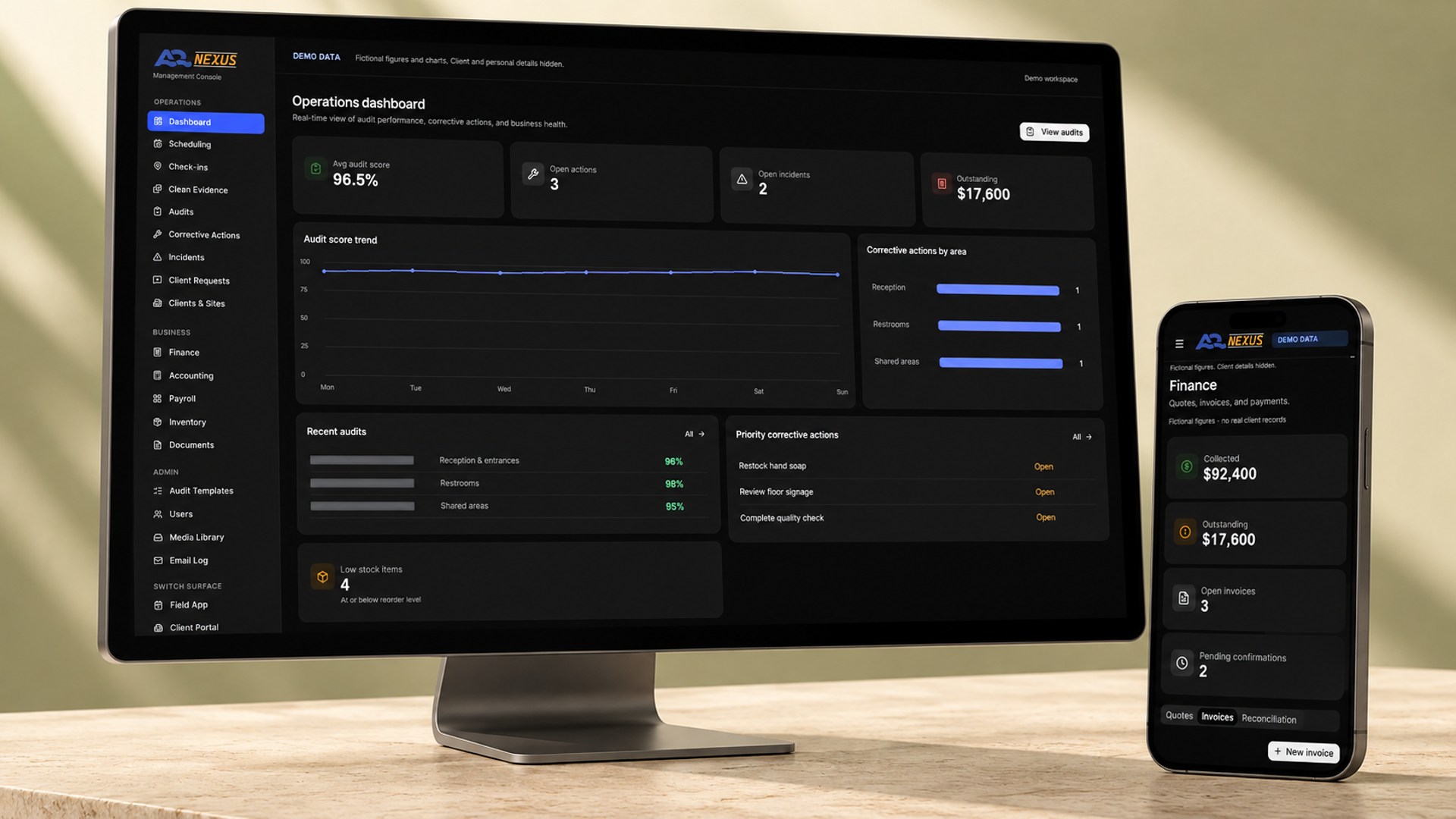
Nexus shows our mobile web app work. Hype Bam shows a responsive mobile website with a very different purpose and visual identity.
Mobile web appField work
A2 Nexus
Nexus gives field teams mobile access to their sites, shifts, audits, actions and documents, with an incident-reporting workflow and photo evidence.
Responsive business and field-reporting tools
Connected office, staff and client-facing workflows
We learn who will use the product, where they will use it and what needs to be quick or easy. Device needs, connectivity and existing systems are discussed early.
You review: users, context and priorities.
02
Agree the platform and scope.
We decide whether a responsive web app, native app or cross-platform approach fits the requirements. The first release, distribution and acceptance criteria are agreed together.
You approve: the approach and delivery scope.
03
Map the mobile journeys.
We plan the key actions, navigation, account flows and permission requests. We work through what happens when information is missing or a task cannot be completed.
You approve: journeys and important states.
04
Design and test the UI/UX.
A clickable prototype makes screen flow, touch targets and content hierarchy tangible. You review the mobile experience before full development.
You approve: the interface and prototype.
05
Review a first working build.
We build the core task first, so your team can try the experience on the agreed devices and give practical feedback.
You review: the main working journey.
06
Complete features and connections.
We develop the agreed screens, user roles, services and integrations. Device capabilities such as camera access are included where they are part of the scope.
You review: working features at agreed checkpoints.
07
Test on the agreed devices.
We check the key journeys, layouts, validation, permissions and integrations across the agreed test matrix. Your team reviews the acceptance criteria.
You approve: the tested release candidate.
08
Prepare distribution and final checks.
We prepare the agreed web or app distribution route, configuration and access. Store submissions and review requirements are planned if they are part of the project.
You review: release readiness and distribution.
09
Release and support the handover.
We complete the release, walk your team through the product and agree documentation, source access, ongoing responsibilities and future updates.
You receive: the product and handover plan.
Decide the mobile details before they become blockers.
Device features and distribution choices affect the experience, the build and how the product is maintained.
Platform choice
We agree web, native or cross-platform based on the job.
Device capabilities
Camera, notifications, location and offline needs are scoped explicitly.
Connected services
Accounts, APIs and existing business tools are reviewed together.
Release and updates
Distribution, ownership, access and maintenance are agreed.
Before we start.
Does it have to be a native app?
No. A mobile web app may be a practical fit for some workflows. We compare the options against your users, device needs and distribution requirements.
Can you include offline use or push notifications?
We can assess those requirements during discovery. Their feasibility and scope depend on the platform, data and workflow involved.
Which existing project is a mobile app example?
A2 Nexus provides the established mobile web and field-app example here. Hype Bam is presented separately as a responsive mobile website.
Do you handle app-store release?
Where a native or cross-platform app is agreed, we plan the accounts, submission assets and review steps with you. Store approval and timing remain subject to the store’s process.
What should people be able to do on the move?
Tell us about the people, the task and the devices they use. We’ll help you choose a practical approach.